
Download Gear Flash Downloader – Flash, SWF, download, tool, utility, file, video, animation, software
Overview
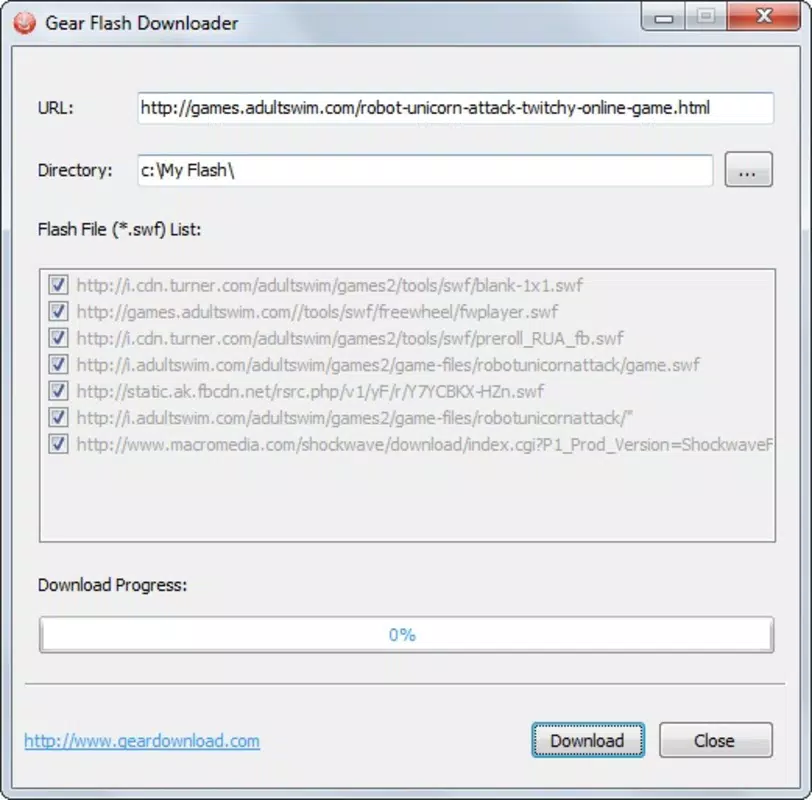
Gear Flash Downloader is a lightweight utility designed to simplify the process of downloading SWF (Flash) files from web-based sources. The app serves as a direct tool for users who need to retrieve Flash animations, interactive content, or embedded multimedia elements from websites. Its primary function is to allow users to paste a URL into the application, after which the download is initiated automatically. This streamlined workflow makes it ideal for individuals seeking quick access to Flash-based assets without navigating complex download processes.
Target users include content archivists, digital designers, developers working with legacy Flash projects, and educators who need to preserve or reuse Flash content. While the app is not intended for general-purpose file downloads, its niche focus on SWF files positions it as a specialized tool within the broader utility category. The developer did not provide additional background information, but the app’s release date in 2012 suggests it was created during the peak usage of Flash technology, reflecting a time when such tools were more commonly needed.
Real-world use cases include recovering Flash animations from educational websites, extracting game assets for retro preservation, or retrieving embedded multimedia for offline viewing. Despite the decline of Flash in modern web standards, there remains a need for tools that support legacy content. Gear Flash Downloader fills this gap with a no-frills approach, emphasizing speed and simplicity over advanced functionality.
Key Features & Functionality
- Easy URL Download: Users can copy any URL pointing to a SWF file and paste it directly into the app. This eliminates the need for browser extensions or third-party tools, making the process accessible even to non-technical users.
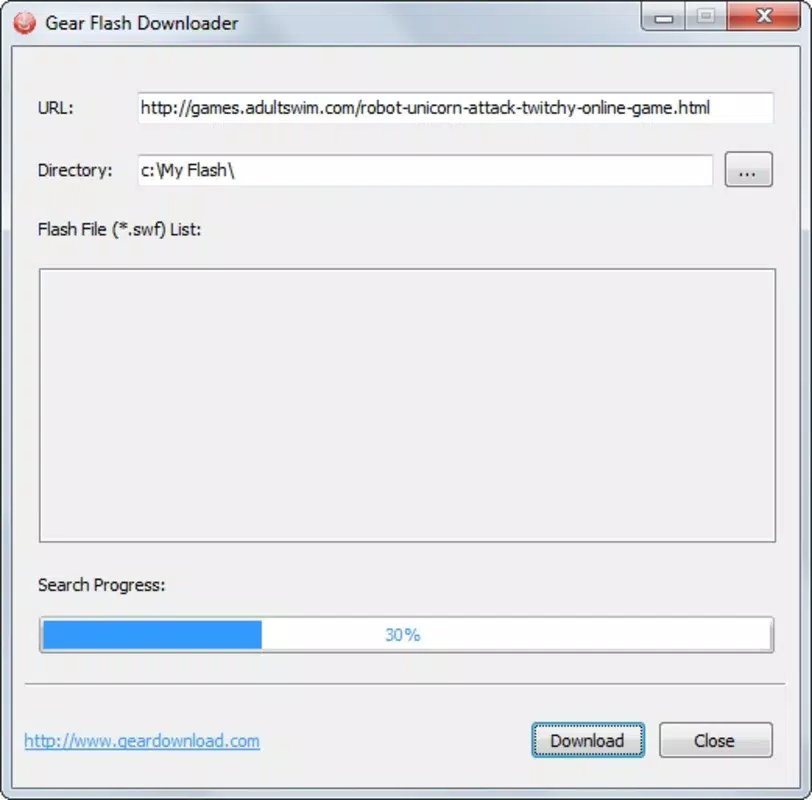
- Automatic Downloads: Once the URL is entered, the app begins the download without requiring additional user input. This reduces the risk of errors and ensures consistent performance across different web environments.
- Folder Selection: Users can choose their preferred download directory within the application. This feature enhances file organization and helps prevent clutter in default storage locations.
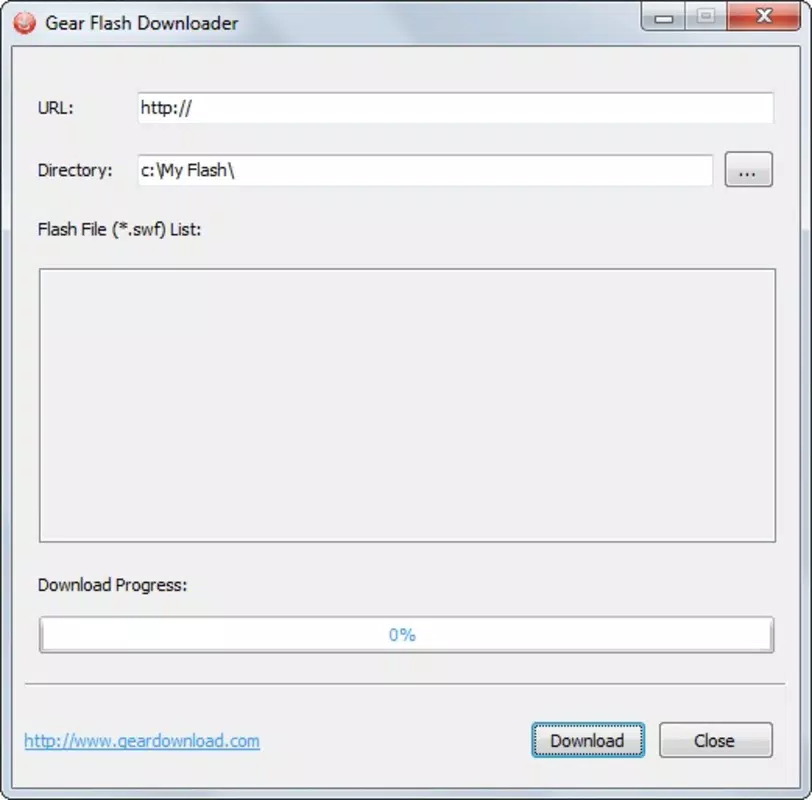
- Minimalist Interface: The design is intentionally simple, focusing only on essential functions. This ensures that users are not overwhelmed by options, contributing to a smooth and distraction-free experience.
- Instant Results: Downloads are processed rapidly, often completing in seconds. This efficiency is particularly valuable when retrieving multiple files or when time is a critical factor.
For example, a designer working on a retro website project could use the app to quickly collect Flash animations from archived sites. Similarly, a student studying digital media history might use it to preserve Flash-based educational content before it becomes inaccessible.
Interface, UX & Performance
Gear Flash Downloader features a clean, minimal interface that prioritizes functionality over visual complexity. The layout consists of a single input field for the URL, a start button, and a folder selection option. Navigation is straightforward, requiring only a few clicks to complete a download. The app’s design reflects a focus on usability, with no unnecessary elements to distract the user.
Although the developer did not list formal performance metrics, the app’s ability to complete downloads in seconds suggests optimized processing. The lightweight file size of 2.1 MB indicates efficient resource usage, which likely contributes to smooth performance across various Windows systems. Responsiveness is consistent, with minimal lag during input and download initiation.
Stability appears to be a strength, given the app’s long-standing presence since 2012. However, compatibility with modern web security protocols and encrypted connections may vary, especially since Flash itself is no longer supported by most browsers. The developer did not specify minimum OS requirements, so users should exercise caution when running the app on newer Windows versions.
Platform Compatibility & Technical Requirements
Gear Flash Downloader is designed for the Windows platform and operates as a desktop application. The software version is 1.0, with a file size of 2.1 MB. The app is available at no cost, making it accessible to users seeking a free solution for SWF downloads.
The developer did not specify minimum OS requirements or compatibility details beyond the platform. As such, users should verify whether the app runs on their current Windows version, especially if using systems newer than Windows 7. The absence of mobile or cross-platform availability is notable, as the app is strictly a Windows-based tool.
Pros and Cons
Pros
- Simple, intuitive interface suitable for non-technical users.
- Fast download speeds with minimal user input.
- Free to download and use with no hidden costs.
- Allows custom folder selection for better file management.
- Lightweight file size ensures minimal system impact.
Cons
- Limited to SWF file downloads; not suitable for other file types.
- No advanced features such as batch downloading or scheduling.
- Compatibility with modern web environments may be inconsistent.
- Developer did not provide detailed technical specifications or support.
- Not available on mobile platforms or other operating systems.
FAQ
Is Gear Flash Downloader safe to download and use?
The app is free and available without known malware. However, users should download it from trusted sources to avoid tampered versions.
Can I use Gear Flash Downloader on Android or iOS?
No, the app is designed exclusively for Windows and is not available on mobile platforms.
Does the app support batch downloads?
No, the app allows one URL at a time. There is no built-in batch download functionality.
Is Gear Flash Downloader still functional in 2024?
While the app was released in 2012, it may still work on older Windows systems. However, compatibility with modern web security protocols cannot be guaranteed.
Do I need to install any additional software to use it?
No, the app is a standalone executable. It does not require additional dependencies or runtime environments.
Final Thoughts
Gear Flash Downloader remains a niche but functional tool for users who need to extract SWF files from websites. Its minimalist design, speed, and ease of use make it a reliable choice for those working with legacy Flash content. While it lacks modern features and is not compatible with mobile devices, its focused functionality delivers value in specific scenarios.
For digital archivists, retro developers, and educators, the app offers a straightforward solution without the overhead of complex software. Its free price point and small footprint enhance its appeal. However, users should be aware of potential compatibility issues with current web standards.
Download Gear Flash Downloader now


